Information spread everywhere
Dates, rates, instructions and receipts stay together, inside each job.
Product
On Set is a self-management app for models. You enter your options, jobs, agencies and expenses, and the app calculates commissions, net amounts and payment dates, reminds you what is coming and shows you how much you earned and how much you are owed.
On Set is a tool to run your modeling career like an independent professional: with your information in order and your numbers clear. It is not an agency or a social network. It is your personal office in your pocket.
It brings together what is usually spread across your phone calendar, chats with your booker, agency emails and a spreadsheet that is never up to date. You enter each detail once and On Set does the math.
Dates, rates, instructions and receipts stay together, inside each job.
Options are shown separately and the app asks whether they were confirmed, so you can release the date in time.
Each job has its estimated payment date and overdue payments are highlighted.
Each agency has its own commission, terms and currency, and everything adds up in your main currency.
You know which expenses the agency has to pay back and which ones it already has.
The overview shows what you billed, collected, still have to collect and your net for each month.
Sign up with your email and choose your language and main currency.
For each agency, enter the commission, payment days, currency, your bookers and the countries you work in.
Client, dates, agency and rate. On Set calculates the commission, the net amount and when you get paid.
Confirmed? Done? Paid? One tap and everything is up to date.
Income, pending payments, expenses and the result of each month, on one screen.
No need to move old data or prepare anything first. When you create your account, On Set walks you through it step by step:
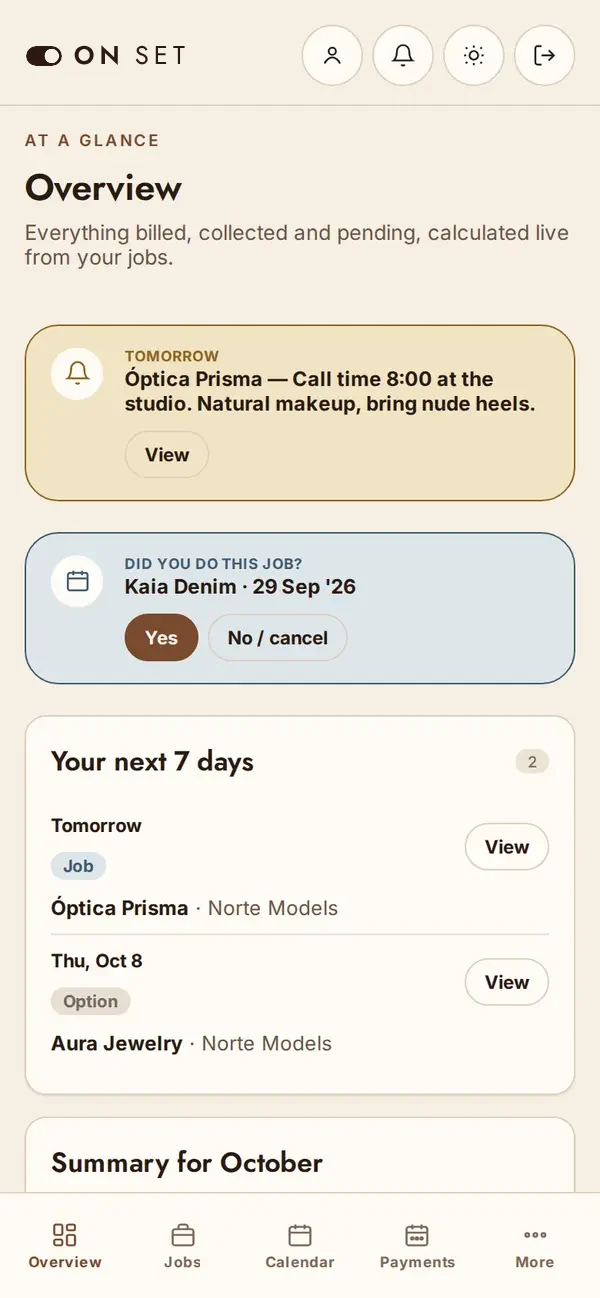
Follow-up is what gets lost first when everything lives in chats. On Set does it for you:
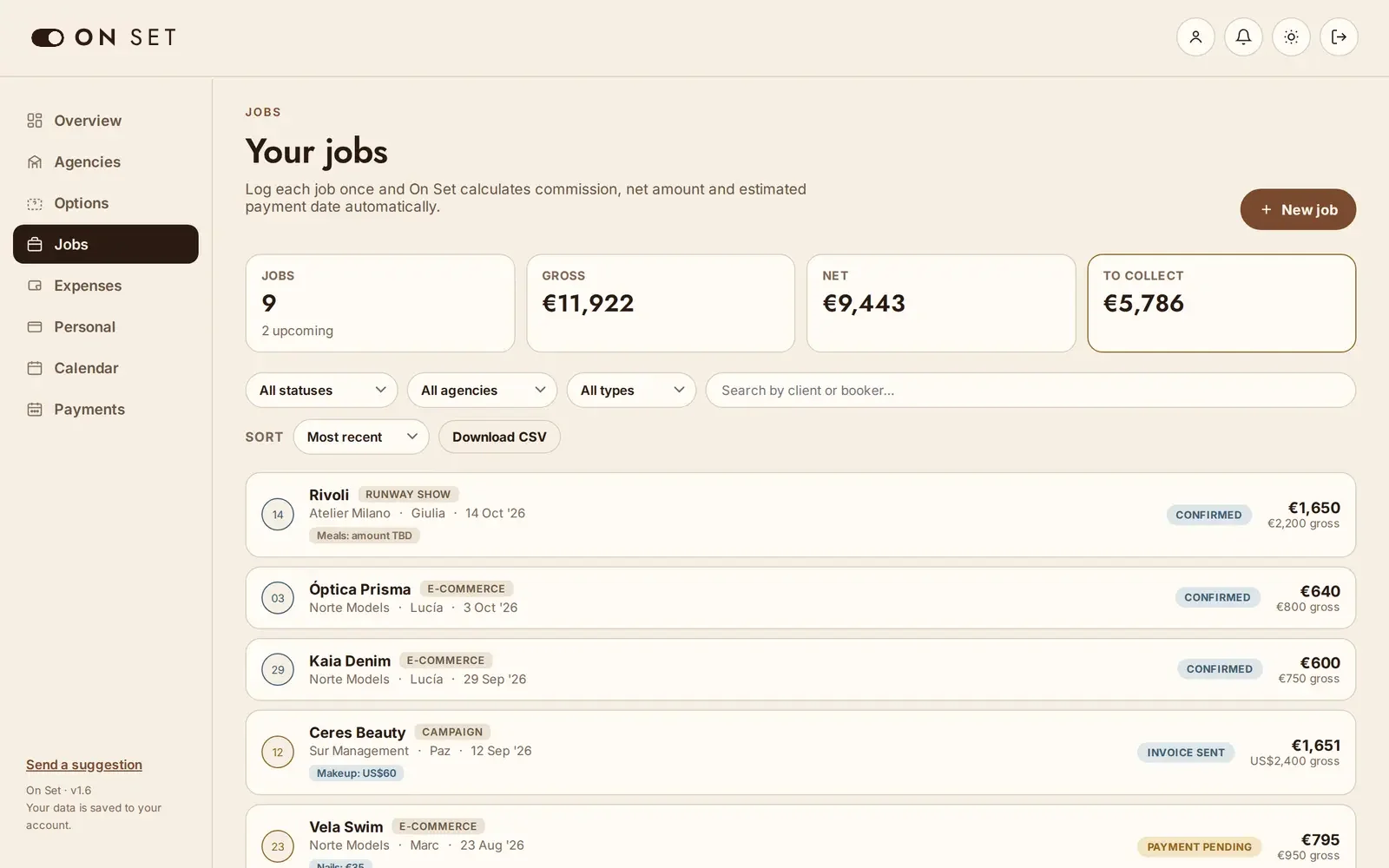
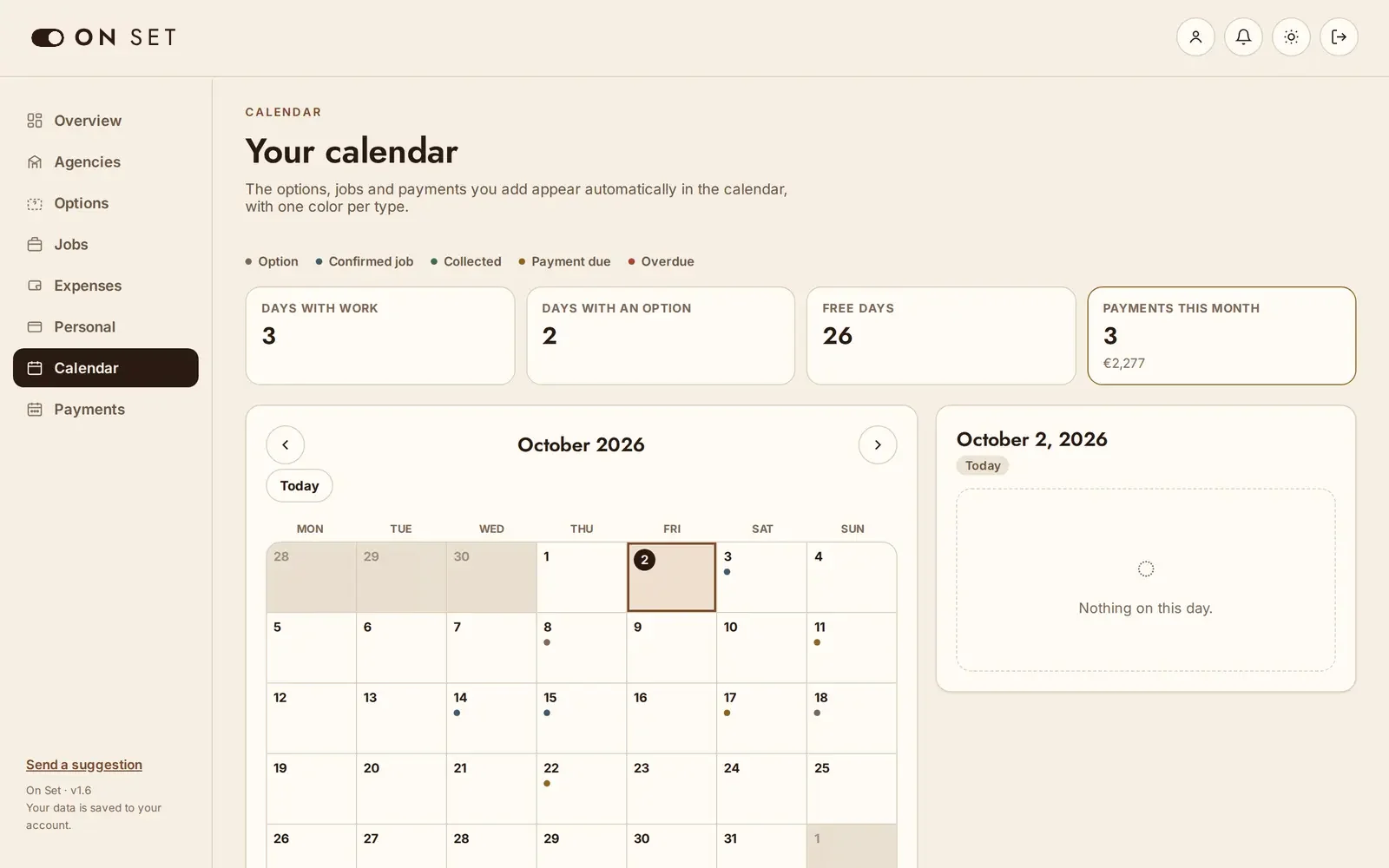
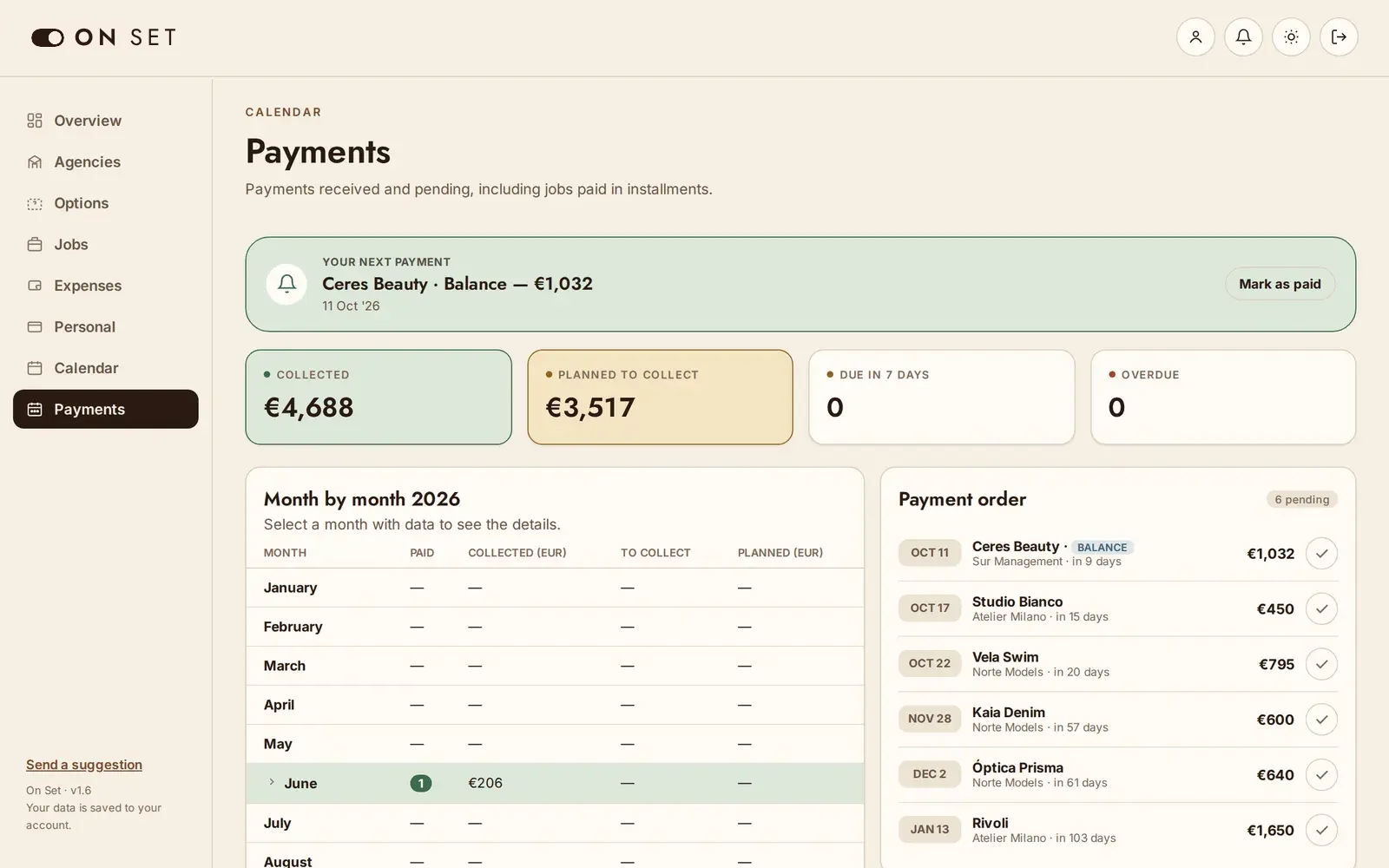
See at a glance which dates are free, which options are still open and how much each offer leaves you after commission.
Have the rate, the dates and what is still owed for every job with that agency at hand.
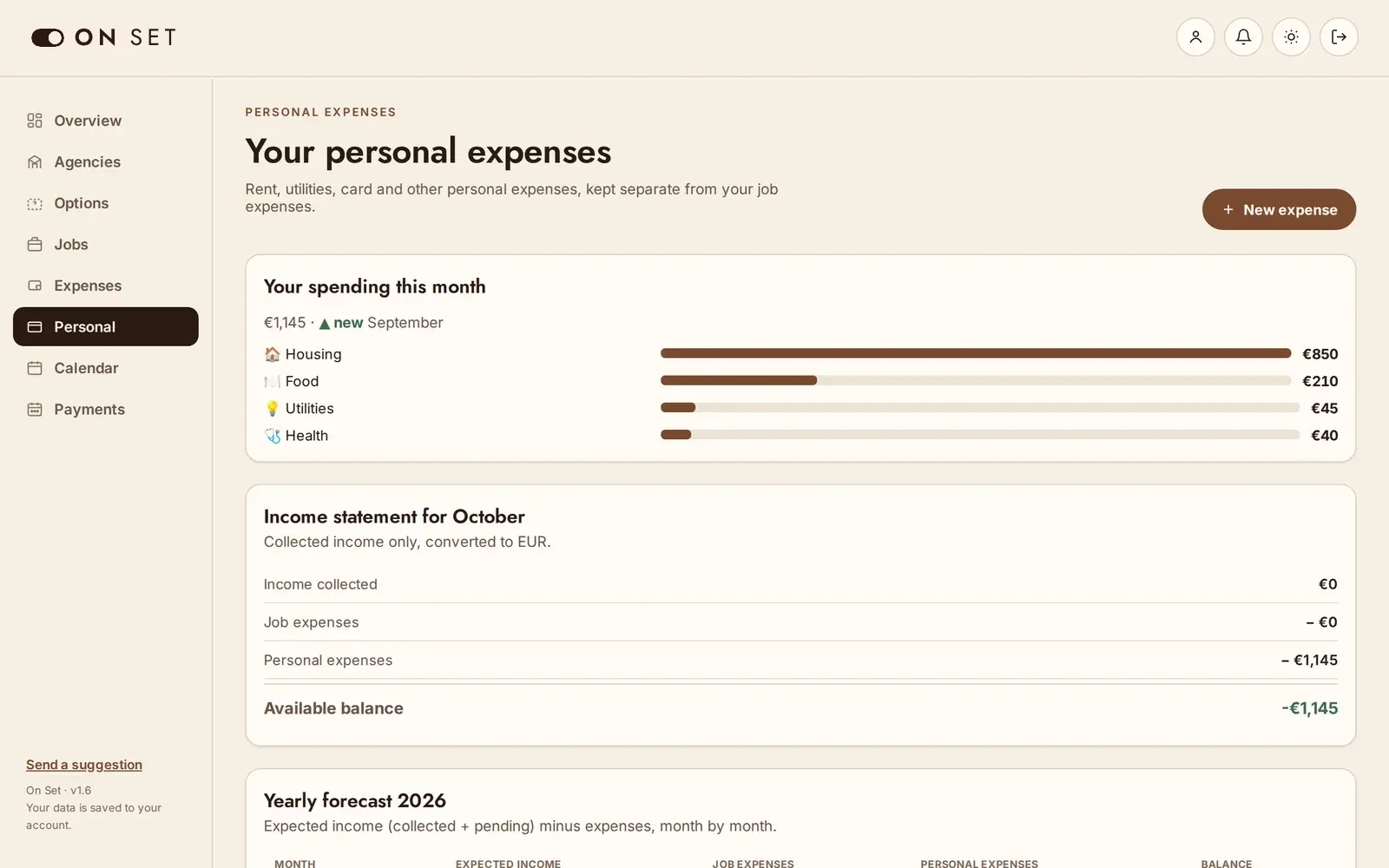
Know what came in, what is still to collect and what you spent, without opening a spreadsheet.
Download a copy of all your data to share with whoever handles your accounts.
No. On Set runs in the browser and installs on the home screen of your phone or computer like an app, without the App Store or Google Play.
The app opens offline and tells you there is no connection, but you need internet to save changes, so your data is always stored safely.
Yes. Choose the length, the app suggests consecutive days you can change one by one, and the total is calculated from the day rate. If you know the total, type it and the day rate is calculated for you.
Yes. Installments split themselves over what you are paid after commission, and each one is marked as paid on its due date.
Release it with one tap and the date is free again. If it is confirmed, it moves to Jobs with all its details.
Yes. Each job has a button to add it to Google Calendar or download it for Apple Calendar.
Euro, US dollar, Argentine peso, pound sterling, Brazilian real, Mexican peso, Chilean peso and Colombian peso, with reference rates updated every day.
English, Spanish, Portuguese, French, German, Chinese and Italian. You can switch language at any time.
Create your account in a minute and log your first job today.
Create free account